> ## Documentation Index
> Fetch the complete documentation index at: https://docs.toolken.ai/llms.txt
> Use this file to discover all available pages before exploring further.
# Introduction
> Toolken is a managed LLM gateway. Change one base URL to get cost per agent, feature, and customer, with rate limits, and nothing to host.
**Point your client at one URL. Every call comes back tagged with its cost.**
 ## What you get
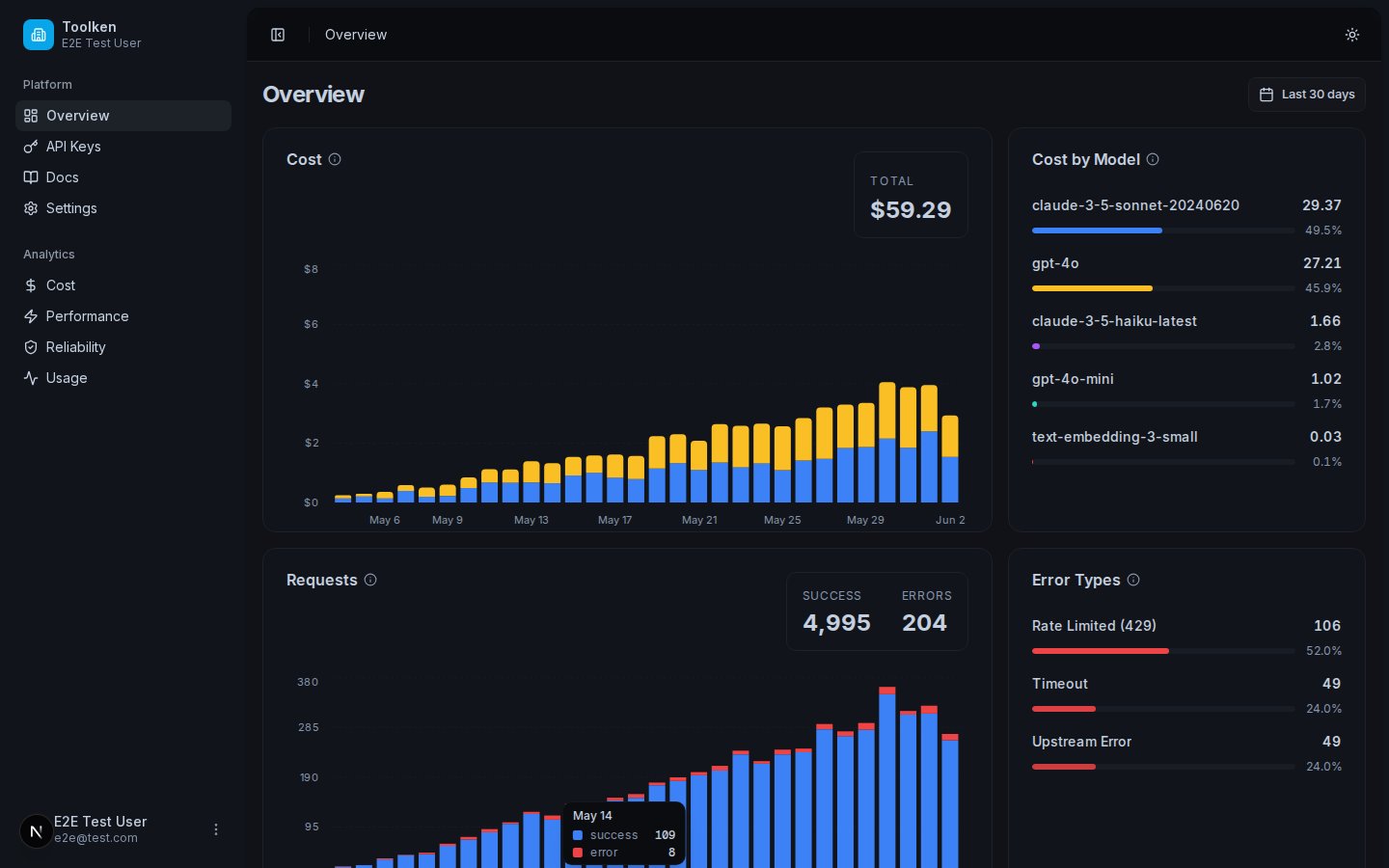
See cost, usage, and performance by agent, feature, and customer.
Request-rate and concurrent-stream limits enforced at the edge.
Works with any OpenAI-compatible app. Bring your own provider keys. They are forwarded untouched and never stored.
No servers, no databases. Toolken runs at the edge. You change a URL and you are done.
## Who it's for
Teams running AI agents (OpenClaw, Hermes, or any framework) and SaaS products that need cost per customer.
## Start here
Make your first attributed request in under two minutes.
See the request flow and what is possible.
## What you get
See cost, usage, and performance by agent, feature, and customer.
Request-rate and concurrent-stream limits enforced at the edge.
Works with any OpenAI-compatible app. Bring your own provider keys. They are forwarded untouched and never stored.
No servers, no databases. Toolken runs at the edge. You change a URL and you are done.
## Who it's for
Teams running AI agents (OpenClaw, Hermes, or any framework) and SaaS products that need cost per customer.
## Start here
Make your first attributed request in under two minutes.
See the request flow and what is possible.